
Real Estate Photography Editing Software: AI-Powered Staging for Faster Listings
Real estate photography editing software is your secret weapon for turning standard property photos into images that stop buyers in their tracks. It's a suite of digital tools built to fix common photo problems—like bad lighting or empty rooms—so every picture highlights a home's best features and makes someone want to see more.
What Is Real Estate Photography Editing Software?
Think of real estate photography editing software as a digital problem-solver, not just a photo editor. A camera can only capture what it sees, but this software helps you show a property's true potential. It goes way beyond basic brightness and contrast adjustments, offering specialized tools designed to solve the unique challenges of marketing a home.
The main goal is to remove visual roadblocks that might make a buyer scroll right past your listing. An empty living room feels cold and impersonal, making it hard for someone to judge its size. A gray, overcast sky can make even the most beautiful home look dreary. This software tackles those issues directly, turning a photo's weaknesses into its strengths.
From Manual Fixes to AI Solutions
Not long ago, getting professional-looking results meant spending hours painstakingly editing photos in complicated programs. That's all changed. Today's best platforms use artificial intelligence to automate these once-painful tasks, putting high-end photo editing within reach for everyone, not just pro photographers.
This shift is huge because great photos are what grab a buyer's attention first. A well-edited photo doesn't just look prettier; it helps a potential buyer form an emotional connection, making it easier for them to picture themselves living in that space.
The goal of editing isn't to mislead anyone. It’s about presenting a property in its best, most honest light by removing distractions so the home's true character can shine through.
Key Capabilities and Their Impact
What makes this software so powerful are the specialized features that solve specific real estate problems. These tools are all about creating an immediate, positive first impression. If you want to dive deeper into furnishing empty spaces, check out our guide to virtual staging software for real estate.
Here are a few of the must-have capabilities:
Furnishing Empty Spaces: With AI Virtual Staging, you can digitally add stylish furniture to vacant rooms, helping buyers instantly understand the layout and how their own things might fit.
Perfecting the Atmosphere: Sky replacement tools can swap a gloomy, overcast sky for a perfect sunny day, dramatically improving curb appeal with just one click.
Highlighting Potential: Some platforms even offer features for AI Home Décor, letting you showcase virtual renovations or different decor styles to help buyers see what's possible.
At the end of the day, this software gives agents and photographers a massive leg up in a crowded market. It helps create visuals that don't just get seen—they get remembered.
The Core Features That Transform Property Listings
Think of real estate photography editing software as more than just a simple crop tool or a brightness slider. It's a specialized toolkit designed to solve the unique visual challenges that come with marketing a property. These tools work together to turn good photos into great ones, making a home look its absolute best online and in print.
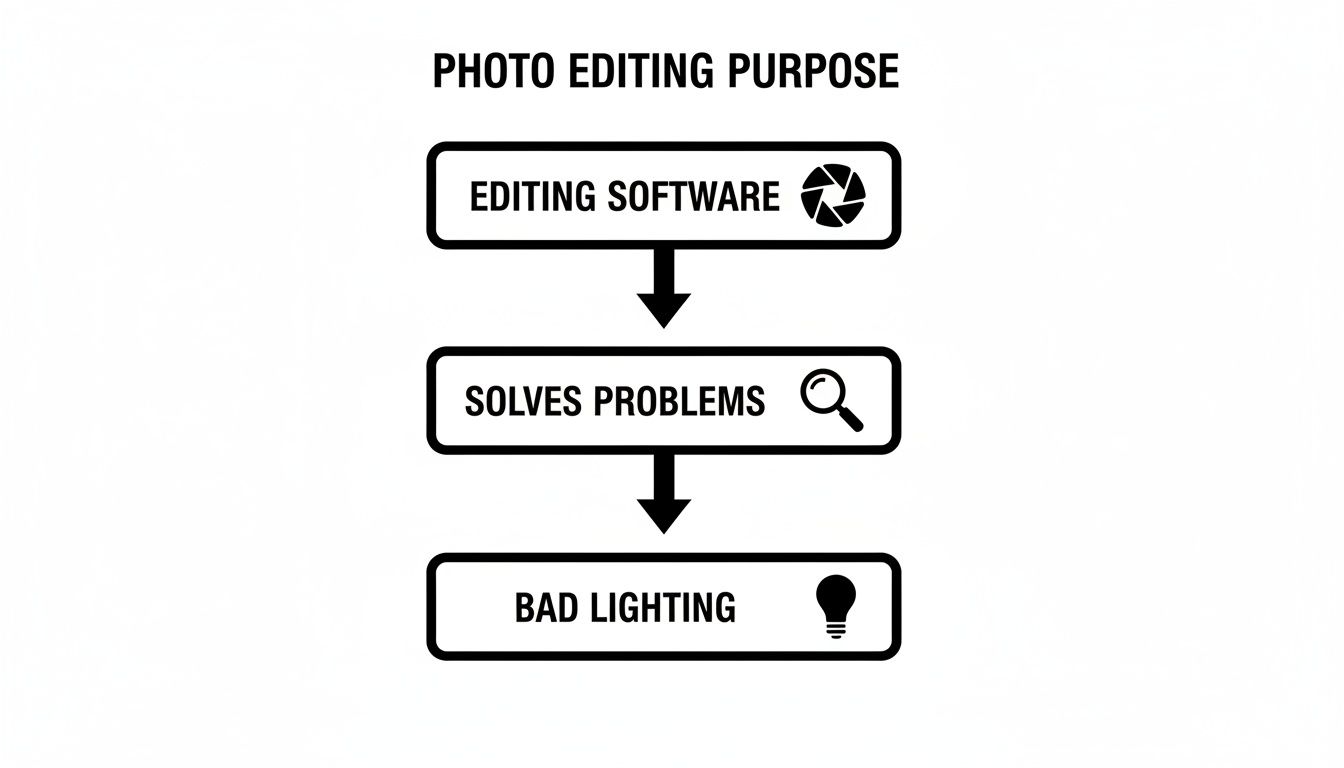
At its core, this software steps in where the camera lens leaves off. It fixes common problems like tricky lighting, gloomy weather, and that hard-to-sell feeling of an empty room.
The whole point is to take an image that has a problem—like a dark interior or an overcast sky—and apply a specific fix that makes the property more appealing to buyers.
By understanding what these core features do, you can see exactly how they influence a buyer’s first impression and keep them clicking through your listing.
AI Virtual Staging and Design
One of the most powerful tools in the box is AI Virtual Staging. An empty room might be a blank canvas, but for most buyers, it's just confusing. They struggle to figure out how their furniture would fit or to feel any real connection to a vacant space. This feature digitally adds stylish furniture and decor, instantly making a house feel like a home.
But modern tools go even further. With AI Room Design, you can showcase a room’s potential in different ways. Imagine showing a buyer how that spare bedroom could work as a cozy home office, a bright nursery, or a welcoming guest room—all without lifting a single box. To see how this tech works behind the scenes, you can explore the details of https://www.decor8.ai/ai-interior-design-features/how-ai-virtual-staging-works.
Atmospheric and Lighting Enhancements
First impressions are everything, and a dull, gray sky can make even the most beautiful home look drab. Sky replacement is the perfect fix. With just a click, it swaps out a dreary sky for a bright blue one, giving the home’s exterior an instant boost of curb appeal.
Another fantastic tool for creating a "wow" moment is twilight or dusk conversion. This feature takes a regular daytime photo and transforms it into a stunning shot taken at the golden hour. That warm, inviting glow from the windows set against a beautiful sunset creates a high-end, luxurious vibe that’s perfect for the main hero image of your listing.
A well-lit, beautifully presented exterior shot is the digital equivalent of great curb appeal. It's the first thing buyers see and it sets the tone for the entire listing.
Technical and Precision Tools
Beyond the big visual changes, professional software is packed with tools that ensure quality and save a massive amount of time. The table below breaks down some of the most essential features that photographers and agents rely on.
Essential Features in Real Estate Photography Editing Software
Feature | Primary Function | Benefit for Listings |
|---|---|---|
Virtual Staging | Adds digital furniture to empty rooms. | Helps buyers visualize the space and form an emotional connection. |
Sky Replacement | Replaces dull skies with clear, sunny ones. | Instantly improves curb appeal and makes exteriors look more inviting. |
Twilight Conversion | Turns daytime photos into dusk/twilight shots. | Creates a dramatic, high-end "hero" image that grabs attention. |
AI Image Upscaling | Increases image resolution without losing quality. | Ensures photos look sharp in high-resolution print marketing materials. |
Batch Editing | Applies the same edits to multiple photos at once. | Saves hours of work and ensures a consistent, professional look. |
Color Correction | Adjusts colors to look natural and true-to-life. | Makes interiors look clean, bright, and appealing. |
These features are indispensable for creating a polished and professional listing. From making interiors feel welcoming to ensuring every photo is sharp and consistent, they directly impact how potential buyers perceive a property.
Here's a closer look at a couple of those time-saving technical tools:
Color Correction and White Balance: Getting colors right is crucial. This feature fixes the weird color casts from different types of lighting, so white walls actually look white, not yellow or blue. If you want to get into the weeds, understanding what is white balance in photography is key to appreciating how important this is for accurate photos.
AI Image Upscaling: Ever tried to use a web photo for a printed flyer, only to have it come out blurry? AI upscaling intelligently makes images bigger without sacrificing clarity, so your photos look crisp no matter where you use them.
Batch Editing: Nobody has time to edit 50 photos one by one. Batch editing lets you apply the same adjustments—like brightness and contrast—to an entire gallery at once. This ensures a consistent look and feel across all your images.
The growing importance of these tools is clear when you look at the market. The real estate photo editing service market, currently valued at around USD 1.2 billion, is expected to more than double to USD 2.5 billion by 2033. This shows just how much the industry relies on top-tier visuals to stand out.
How Different Pros Use Editing Software in Their Day-to-Day
Real estate photography editing software isn't a one-size-fits-all solution. Think of it more like a versatile toolbox where different professionals pick the right tool for their specific job. The way a real estate agent quickly preps a new listing is a world away from how a professional photographer polishes a full gallery or how a designer sketches out a new vision.
By looking at these distinct workflows, you start to see the software’s true flexibility. Each pro has a different finish line in mind, so the features they rely on will naturally change. Let's walk through how three key players in the real estate game make these tools work for them.
The Real Estate Agent: An Eye for Speed and Impact
For any real estate agent, time is money. The main goal is getting a property on the market fast while making an unforgettable first impression. They need tools that deliver a punch without a steep learning curve or a long, drawn-out editing session.
Their entire workflow is geared toward efficiency and getting that "click." An agent might get photos of an empty house and, in just a few minutes, use an AI Virtual Staging feature to furnish the most important rooms. This simple step can instantly turn a cold, vacant space into a warm, inviting home that buyers can actually picture themselves in. If a seller’s home is a bit cluttered, they can use object removal to create a clean, minimalist look that puts the property's best features front and center.
For an agent, the software is a marketing machine. The goal isn't just to tweak photos; it's to build a visual story that drives clicks, showings, and ultimately, offers.
Agents also lean on features that boost curb appeal. A quick sky replacement can transform a gloomy, overcast exterior shot—often the first image a buyer sees—into a bright, sunny invitation. The ability to generate listing descriptions or social media captions straight from the images is another huge time-saver, freeing them up to focus on clients instead of copywriting.
The Professional Photographer: A Focus on Precision and Consistency
A professional real estate photographer’s world is all about technical precision, undeniable quality, and brand consistency. While an agent wants it done fast, a photographer needs fine-tuned control to deliver a flawless, high-end product that reflects their skill. Their process starts long before the final edits are even considered.
It all begins with shooting in RAW to capture the maximum amount of image data. Back in the studio, the first move is often batch processing. They’ll apply foundational adjustments—like lens corrections and initial white balance—to hundreds of photos at once. This creates a consistent, uniform look across the entire gallery from the get-go.
From there, they dive into the meticulous, image-by-image work:
Color Correction: Photographers painstakingly tweak colors to make sure they are true-to-life. White walls need to be crisp white, not dingy yellow, and hardwood floors must show their natural warmth.
Exposure Blending: To handle rooms with bright windows and shadowy corners, they often merge multiple exposures (a technique sometimes called HDR or flambient). This creates a single, perfectly lit photo where every detail is crystal clear.
Vertical Line Correction: They ensure every vertical line is perfectly straight. This gives photos a professional, architectural quality that communicates stability and precision.
Their use of real estate photography editing software is all about crafting a polished, consistent gallery that screams "professional" and justifies their fee. This commitment to quality is a major reason the real estate photography service market, valued at USD 2,397.5 million, is projected to nearly double to USD 4,500 million by 2035. You can discover more insights about the real estate photography market to see what’s driving this incredible growth.
The Interior Designer: A Canvas for Creativity
For an interior designer, this software is less about marketing and more about creativity and collaboration. They aren't trying to sell an existing space but are instead helping a client envision its future potential. The software becomes their digital sketchbook, a way to bring ideas to life.
A designer might use an AI Interior Design feature to generate several different decor concepts for a single room. For instance, they can show a client exactly how their living room would look with a mid-century modern vibe versus a cozy coastal grandmother aesthetic—all without buying a single piece of furniture. It helps clients see the finish line and make big decisions with confidence.
Features like virtual wall painting and flooring swaps are also invaluable for experimenting with different finishes. Instead of holding up tiny paint swatches, a designer can show a client precisely how an entire room will feel with a new color, making the whole design process feel more tangible and less abstract.
Choosing the Right Editing Software for Your Business
Picking the right real estate photography editing software can feel overwhelming. You've got tons of options, from niche tools that do one thing well to massive platforms that promise the world. The secret isn't finding a "perfect" tool, but finding the one that fits your business like a glove.
Instead of getting bogged down by brand names and feature lists, let's break down what actually matters. A great tool should feel like a partner—something that saves you time, makes your listings pop, and helps you close deals faster. It should simplify your life, not add another complicated step to your day.
Evaluating Visual Quality and Realism
First things first: the final image has to look amazing. If you're using features like AI Virtual Staging or swapping out a gloomy sky, the result has to be 100% believable. Nothing screams "amateur" louder than a photo with wonky lighting or a couch that looks like it's floating. An awkward edit can make a great listing feel cheap and untrustworthy.
Look for software that nails the details—natural light, realistic shadows, and textures you could almost feel. The whole point is to help a buyer imagine themselves in the home, not to get them hung up on a weird-looking digital edit.
A successful edit is one that nobody notices. The focus should always remain on the property itself, with the software acting as a silent partner that makes the home look its absolute best.
Speed and Workflow Efficiency
Let's be honest, in real estate, time is money. You can't let a hot new listing sit on the back burner for days while you're stuck editing photos. Your software needs to be fast. This is where features like batch processing are a lifesaver, letting you apply the same tweaks to an entire gallery in one go.
Think about your day-to-day grind. Can the software handle your big camera files without choking? Does it have smart, automated tools that can get you 80% of the way there in 20% of the time? The goal is to find a platform that frees you up to focus on clients and marketing, not one that chains you to your desk.
Integrations, APIs, and Plugins
Your editing software shouldn't be an island. The best tools play nicely with the other systems you rely on every day. That could be a simple plugin for your WordPress site or a more powerful Application Programming Interface (API) that lets you build custom, automated workflows between different apps.
When your tools are connected, everything just flows. You can pull photos from one place, edit them, and push them out to the MLS, your website, and social media without the headache of downloading and re-uploading everything manually. This kind of smooth integration is what allows you to scale up without pulling your hair out.
Pricing Models and Output Formats
Finally, you have to consider the practical stuff: cost and compatibility. Look for a pricing plan that actually makes sense for how you work. If you only edit a few listings a month, a pay-per-image model might be perfect. If you’re a high-volume agent or photographer, a monthly subscription will probably offer better value.
The output formats are just as important. Your software needs to export files that work everywhere you need them to:
High-Resolution JPEGs: Perfect for printing beautiful flyers and brochures.
Web-Optimized Files: Smaller files that load quickly on the MLS, Zillow, and your own website.
PNGs with Transparency: Great for marketing materials where you need to layer logos or other graphics.
By focusing on these four key areas—quality, speed, connectivity, and cost—you can cut through the noise and find the software that will truly give you an edge. A smart choice here doesn't just make your listings look better; it makes your entire business run smoother. And if you're looking to get even more creative, exploring the best AI-powered interior design tools can spark some fresh ideas.
Bringing It All Together: How Decor8 AI Simplifies Your Workflow
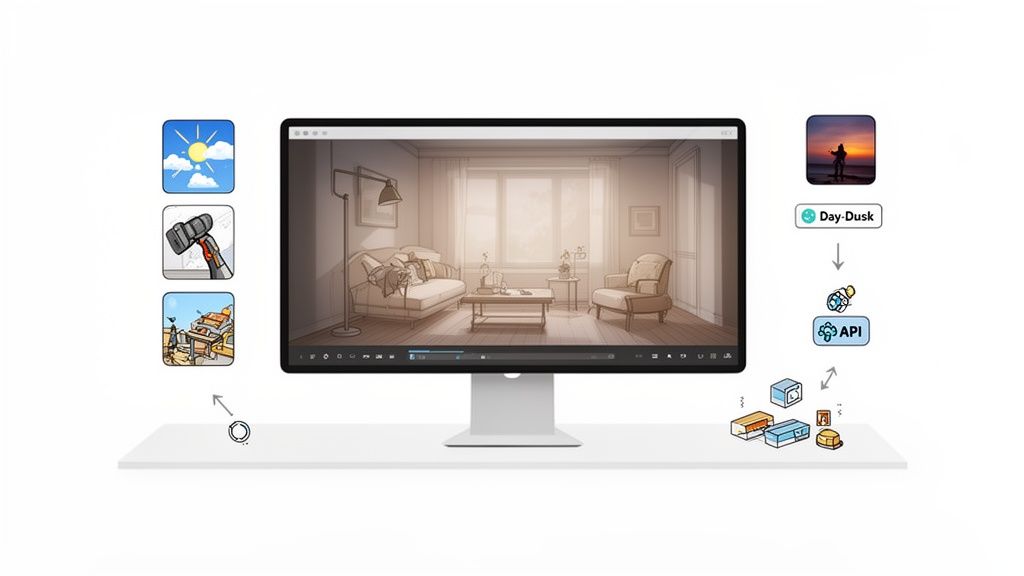
It’s one thing to know about all the powerful features editing software can offer, but it’s another to see them all work together in one place. That's really where Decor8 AI comes in. Think of it as a central hub that pulls all the essential tools you need into a single, straightforward workflow. It's built for real estate pros who need great-looking photos without the hassle.
Instead of bouncing between different apps for virtual staging, then another for sky replacements, and maybe a third for basic touch-ups, Decor8 AI puts it all under one roof. This saves a ton of time and, just as importantly, keeps the look and feel of your photos consistent across an entire listing.
From Empty Rooms to "I Can See Myself Living Here"
The real magic is in the platform's AI Virtual Staging. This isn't just about dropping a couch into a photo. The AI actually analyzes the room’s layout, lighting, and perspective to create a truly believable interior. It gets the little things right—like accurate shadows and even subtle reflections in mirrors—which makes a huge difference.
That level of detail helps a potential buyer connect with the space on an emotional level. An empty, echoing room becomes a cozy living room they can actually imagine themselves in. You can see how this technology turns a blank canvas into a compelling vision by exploring more about the process behind AI virtual staging.
Beyond just filling empty spaces, Decor8 AI has a few other tricks up its sleeve to solve common photo headaches with just a click.
Set the Mood: You can instantly swap out a drab, overcast sky for a bright blue one or turn a standard daytime exterior shot into a breathtaking twilight photo.
Clean Up the Mess: For homes that are still occupied, the AI can digitally remove clutter in seconds. For new construction, it can even fill in missing landscaping or finish incomplete areas, showing buyers the property’s true potential.
Decor8 AI is all about solving the real-world problems you face when marketing a property. It helps you showcase what a home could be, whether it's an empty new build, a cluttered family home, or just a property photographed on a gloomy day.
Built to Grow With Your Business
As your business scales, you need tools that can keep up without overcomplicating things. Decor8 AI is designed for growth, offering a Virtual Staging API and no-code plugins for platforms like WordPress and Wix. This lets you bake its powerful features right into your own website or internal systems.
This kind of integrated approach is quickly becoming the norm. The market for AI photo editing software is expected to explode from USD 2.1 billion to USD 8.9 billion by 2034. Even more telling, collaborative and integrated tools are projected to grab 42.3% of the market revenue by 2025. This isn’t just a trend; it’s a fundamental shift in how the industry works. For those looking to push the envelope, advanced AI-powered image editing models are taking quality and efficiency to the next level.
At the end of the day, Decor8 AI is more than just a collection of editing tools. It’s a complete system designed to meet the demands of a modern real estate business, whether you're a solo agent or a large brokerage.
Practical Tips for Making Your Listing Photos Shine Online
You’ve done the hard work of editing your photos, but the job isn't quite finished. Getting those images to truly pop on listing sites and social media requires a bit of strategy. A gorgeous photo can fall flat if it’s uploaded incorrectly or doesn't have the right context.
Let's start with the technical side: your export settings. Every platform, from your local MLS to Zillow, has its own quirks. A great rule of thumb is to export your JPEGs with the longest side set to 2048 pixels. This strikes the perfect balance between crisp, clear quality and a file size that won't have potential buyers drumming their fingers waiting for your listing to load.
Think about it—if your stunning twilight shot takes forever to appear, a potential buyer might just give up and move on. Fast-loading pages are absolutely essential.
Write Captions That Tell a Story
Once your photos are ready, don't just upload them and walk away. A great caption can direct a buyer's eye and point out the very features you spent time enhancing. Instead of a generic "Living Room," tell them what they're seeing. This is your chance to sell the dream.
For Virtual Staging: "Imagine cozy movie nights in this light-filled living room. As you can see, there’s more than enough space for a huge sectional and your favorite armchair."
For AI Room Design: "We've shown this room as a quiet home office, but it would also make a perfect nursery or creative studio."
For Twilight Conversions: "The warm, inviting glow of a twilight exterior gives this home incredible curb appeal from the moment you see it."
Captions like these build an emotional connection. You’re no longer just showing a gallery of pictures; you’re giving a guided tour that helps people envision their life in that home.
Create a Smart and Speedy Workflow
To keep your listings looking sharp and professional, consistency is everything. A solid batch editing workflow is your best friend here. Begin by applying your go-to adjustments, like lens correction and white balance, to the entire set of photos at once. This ensures every image starts from the same clean, consistent baseline.
Another huge time-saver is creating presets for your most common edits. If you often shoot properties with similar lighting conditions, a preset lets you apply your signature look with just one click. A well-organized system not only makes your work look more polished but also gets your listings to market that much faster.
Want to learn more about prepping your images? Check out our guide on how to declutter real estate photos instantly with AI.
Frequently Asked Questions
Jumping into the world of real estate photo editing can feel like a lot to take in. Here are some quick, straightforward answers to the questions we hear most often.
What's the Single Most Important Feature to Look For?
While so many features are useful, AI Virtual Staging is probably the biggest game-changer. An empty room is just a blank canvas, which can be hard for buyers to connect with.
Virtual staging fills that canvas, showing them a potential future. It helps people form an emotional connection and see themselves living there, which is the whole point of property marketing.
How Does AI Editing Actually Save Me Time and Money?
Think about all the tedious tasks that used to take hours. AI tools crush them in seconds. Instead of painstakingly correcting colors or masking out a gloomy sky, you can use one-click features for sky replacement, color balancing, and even removing distracting clutter.
This means you get listings up faster. It also dramatically cuts down on the need—and cost—of hiring a professional editor for every single shoot.
The real power of AI editing is the leverage it gives you. It's about turning a few minutes of your time into professional, polished photos that used to require a serious investment in either time or money.
Do I Need to Be a Pro Photographer to Use This Stuff?
Not at all. The best modern real estate photography editing software is built for agents, marketers, and property managers—not just photo experts.
The goal of these platforms is to make high-end photo editing accessible to anyone in real estate. With intuitive, AI-powered tools, you can get incredible results without needing a deep technical background.
What's the Difference Between AI Home Design and Virtual Staging?
This is a great question, as it gets right to the creative heart of marketing a property. It’s all about selling the “now” versus the “what if.”
Traditional Virtual Staging is about one thing: furnishing an empty space to show it at its best, right now. It makes a room feel welcoming and lived-in.
AI Home Design is about showing a space’s potential. It lets you play with different design styles, test out new wall colors, or even show what a light renovation could look like.
Simply put, virtual staging sells the property as it is. AI Home Design helps sell a vision of what it could become.
Ready to take your property photos from good to unforgettable? With Decor8 AI, you get all the tools you need—from AI Virtual Staging to instant sky replacement—all in one place. Start creating breathtaking, listing-ready visuals in seconds.
Comments